Photo, Name, and Email
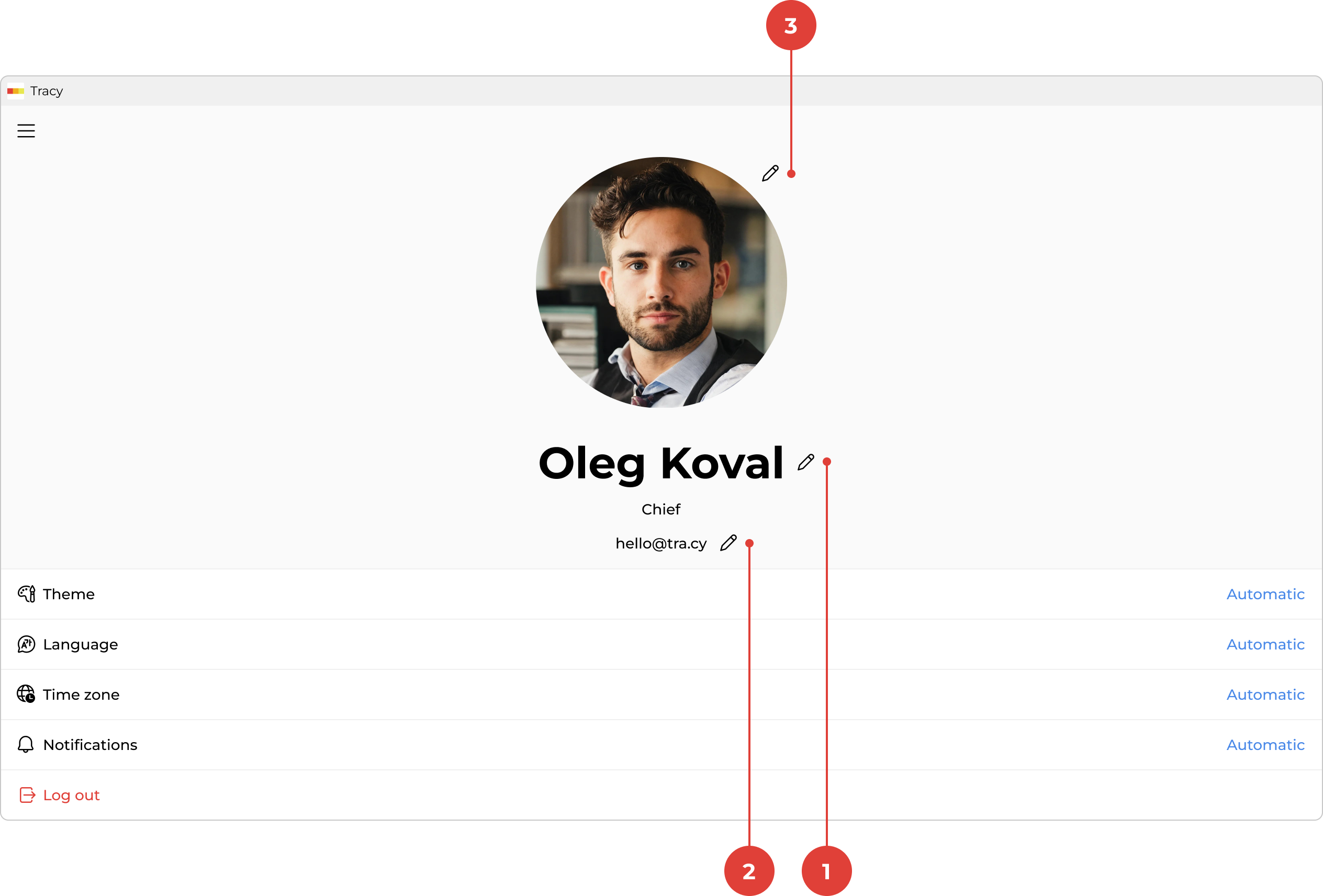
To change your photo, name, or email, first go to the profile screen by clicking your name in the sidebar.
Changing Your Name
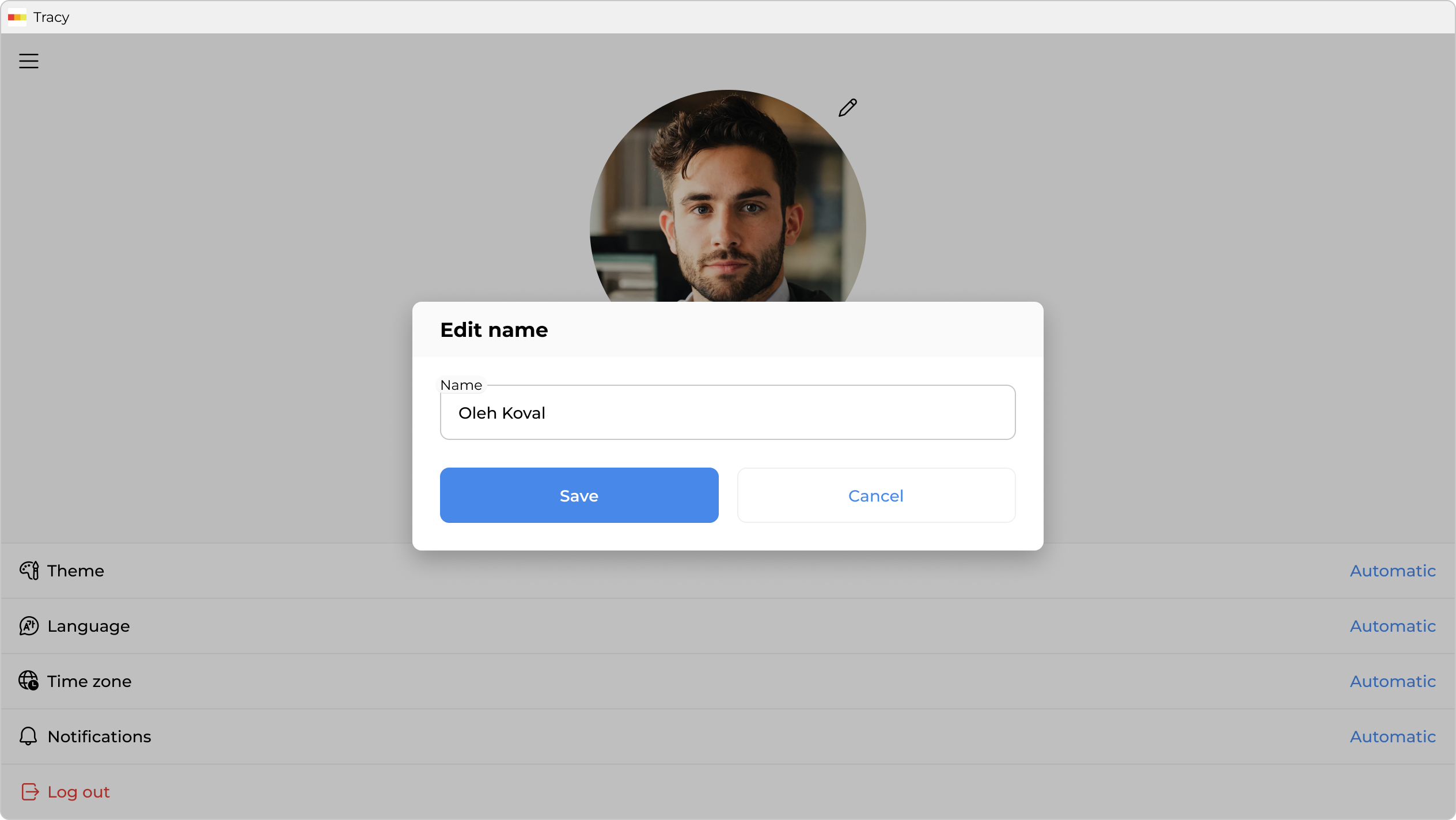
To change your name, click the pencil icon ① to the right of it, make the changes in the window that opens, and click “Save”.
Changing Your Email
To change your email, click the pencil icon ② to the right of it, make the changes in the window that opens, and click “Save”.
Changing or Deleting Your Photo
To set a photo, click the pencil icon ③ to the right of the temporary image and choose a photo. If your device is equipped with a camera, you can also use it.
To change or delete an existing photo, click the three dots ③ to the right of it and select the appropriate option from the context menu.