How it works › Getting started
Login and Registration
You can log in or register with Tracy in two ways:
- Using your email and a one-time verification code.
- Using your Apple or Google account.
Logging in via Email and One-Time Verification Code
To log in, enter your email and click “Log in”. You will receive an email with a one-time verification code that is valid for ten minutes. Copy the code and paste it into the relevant field, then click “Continue”.
If the user with the specified email already exists, you will be redirected to the home screen of the app. Otherwise, registration will begin. You will also be asked to accept the terms of Service Agreement and Privacy Policy, if you haven't already done so.
Logging in via Apple or Google Account
To log in, click the Apple or Google logo. Then, agree to grant Tracy access to the email associated with your account.
If the user with the specified email already exists, you will be redirected to the home screen of the app. Otherwise, registration will begin. You will also be asked to accept the terms of Service Agreement and Privacy Policy, if you haven't already done so.
Registration
Registration consists of two steps.
A Starter Template
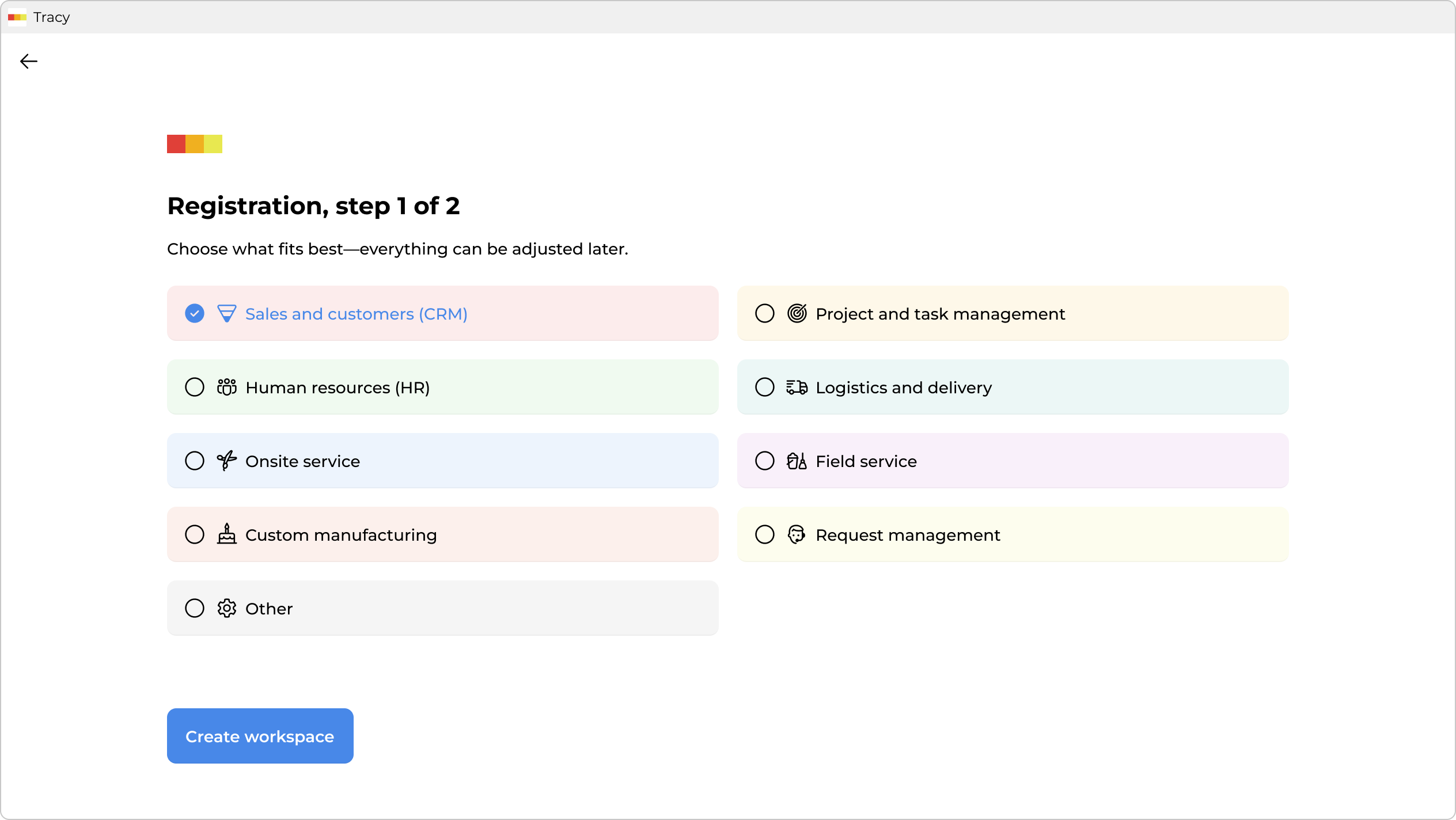
Your activity does not necessarily have to correspond to one of the proposed templates. Choose what seems most appropriate to you—you can always customize everything to suit your needs later on.
Click “Continue”.
Your Name and Workspace Name
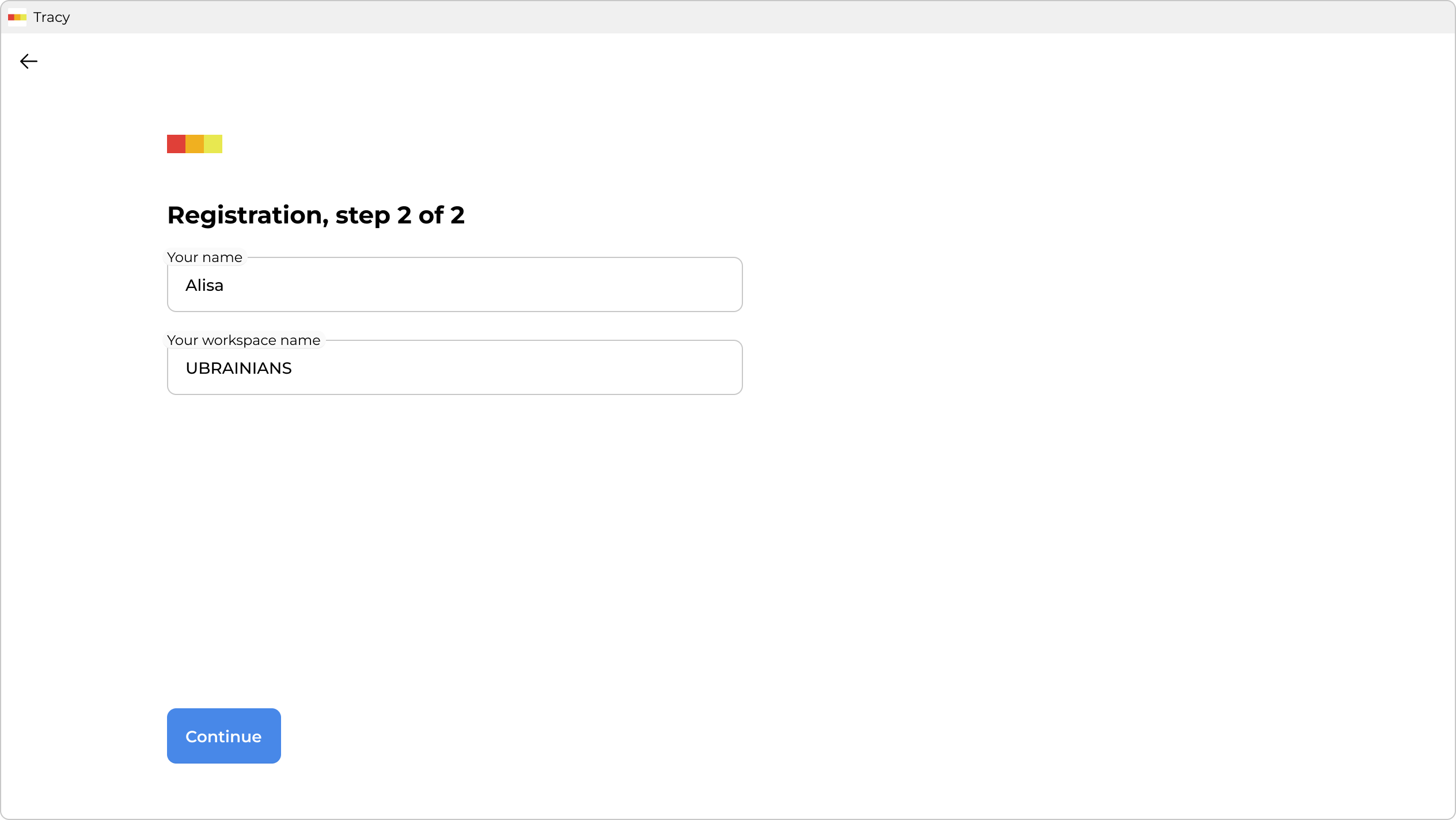
Click “Create workspace” — in a few seconds you will be taken there.