Name
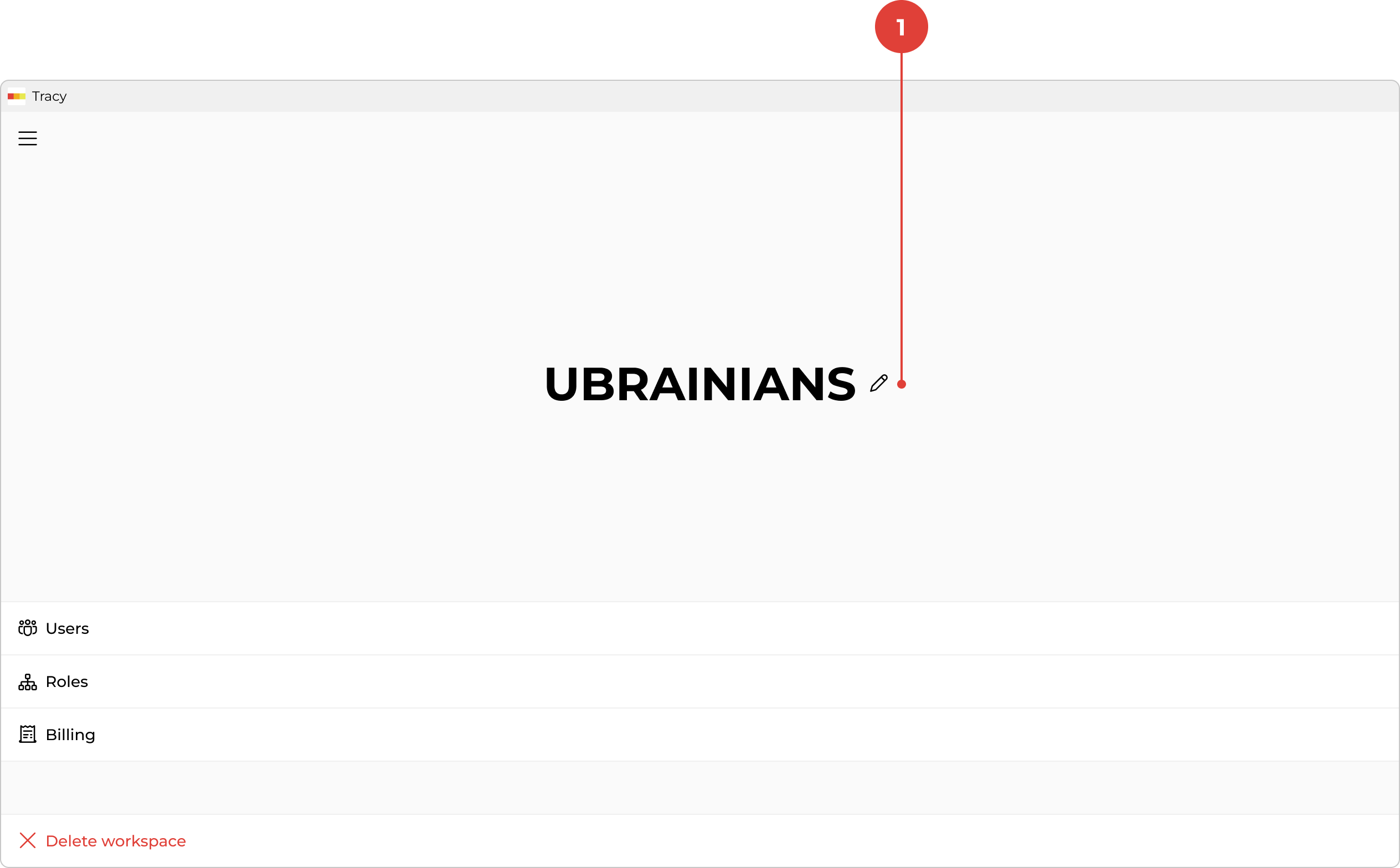
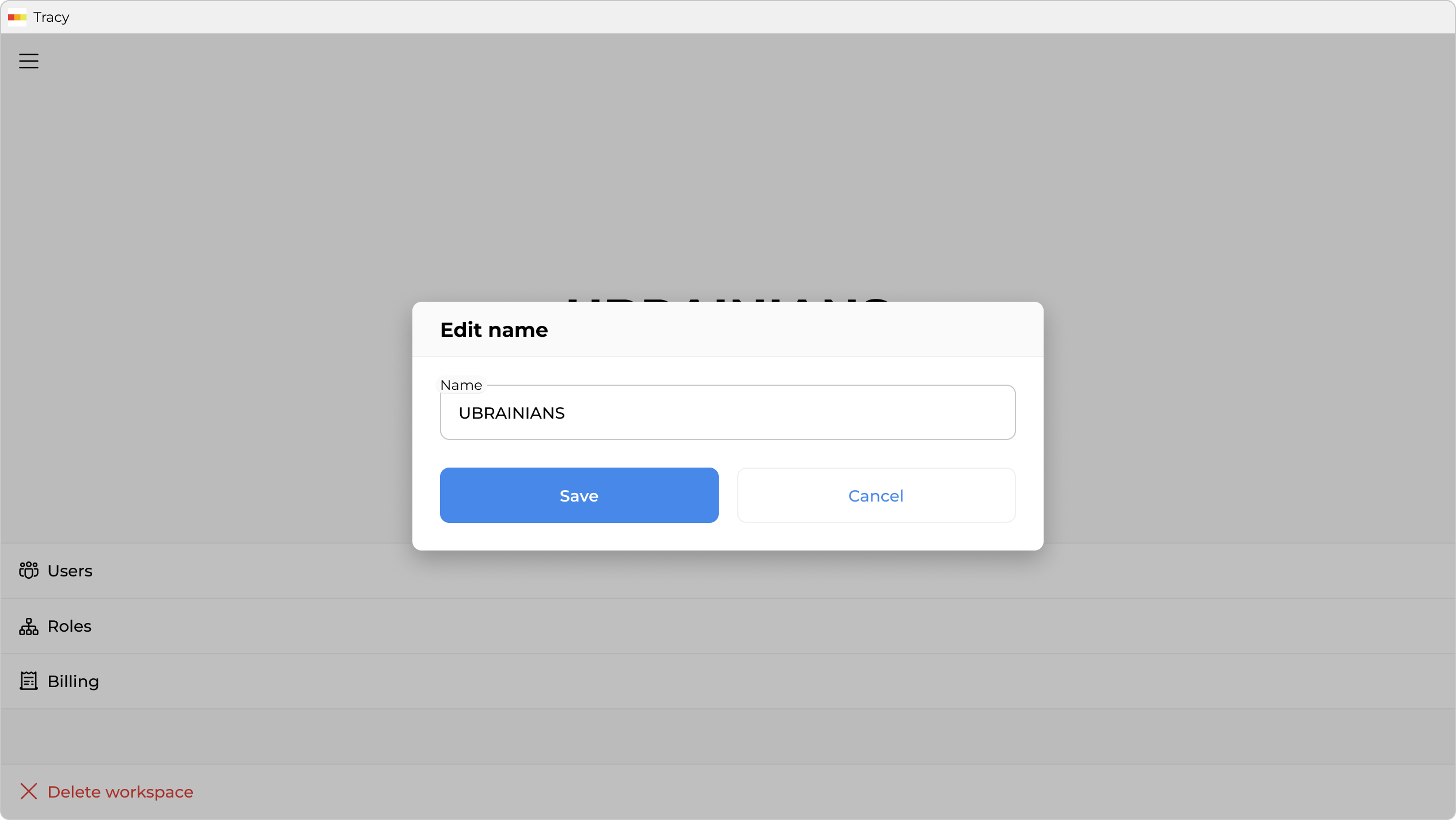
To change the workspace name, first go to the workspace screen by clicking on its name in the sidebar, then click the pencil icon ① to the right of the name, make the changes in the window that opens, and click “Save”.
To change the workspace name, first go to the workspace screen by clicking on its name in the sidebar, then click the pencil icon ① to the right of the name, make the changes in the window that opens, and click “Save”.