Deleting Your Workspace
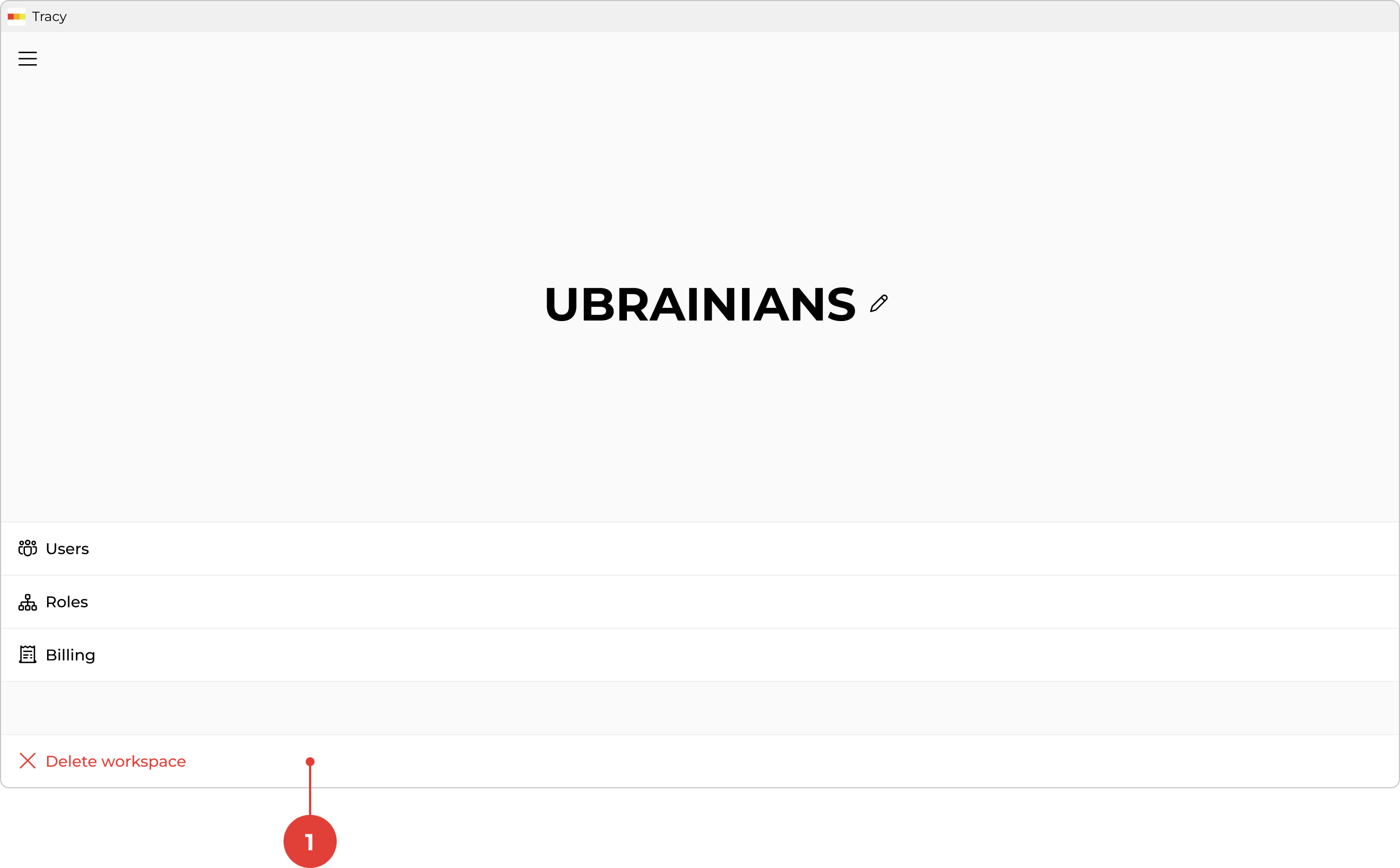
To delete the workspace, first go to the workspace screen by clicking its name in the sidebar, then click “Delete workspace” ①.
To delete the workspace, first go to the workspace screen by clicking its name in the sidebar, then click “Delete workspace” ①.