Notifications
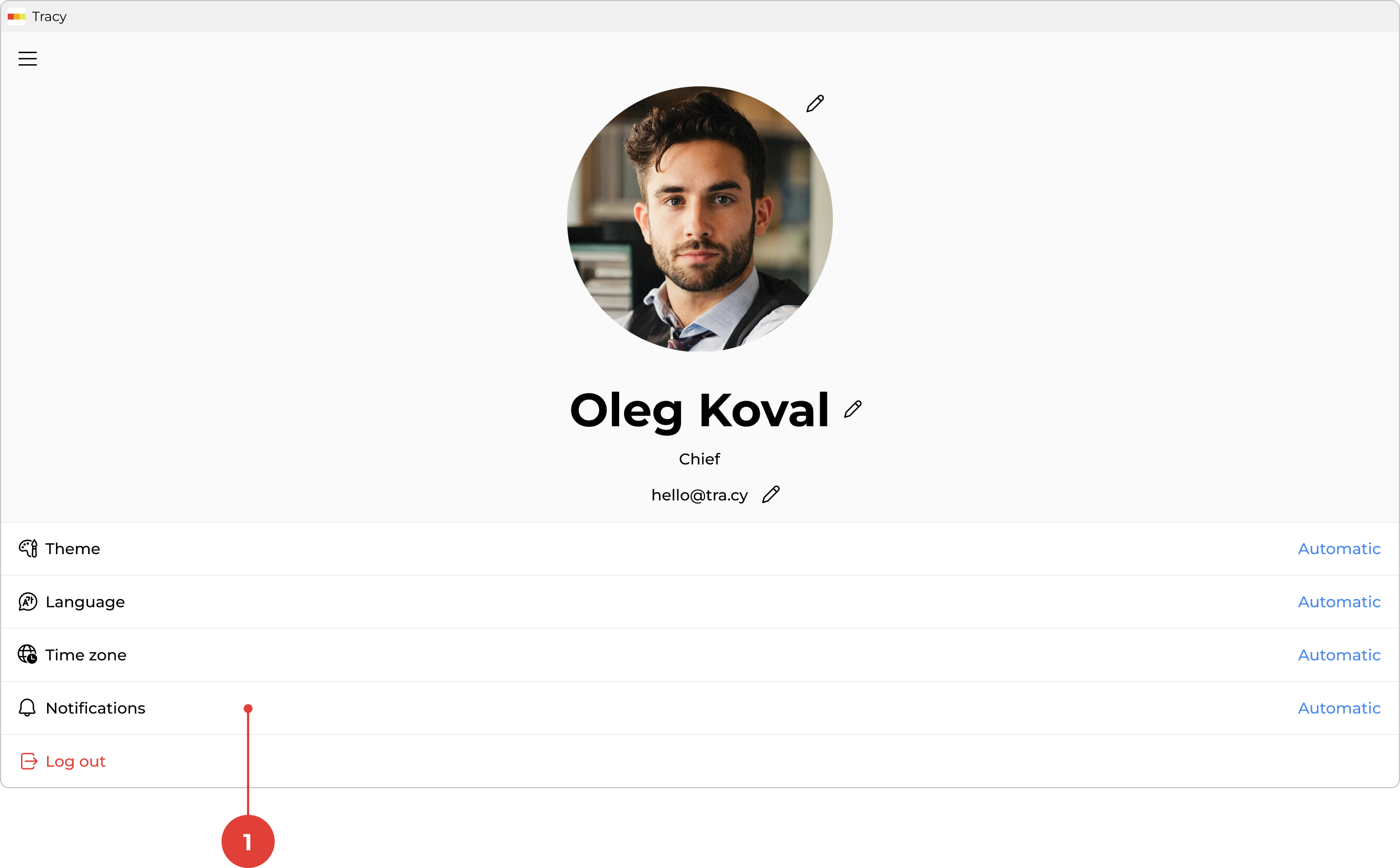
To configure notifications, first go to the profile screen by clicking your name in the sidebar, then click “Notifications” ①.
All notifications relate to records and are divided into the following categories:
- creation;
- state change;
- assignee change;
- data change;
- archiving;
- moving to trash.
For each category, choose one or both delivery methods: in-app (PUSH) or email, and click “Save”.
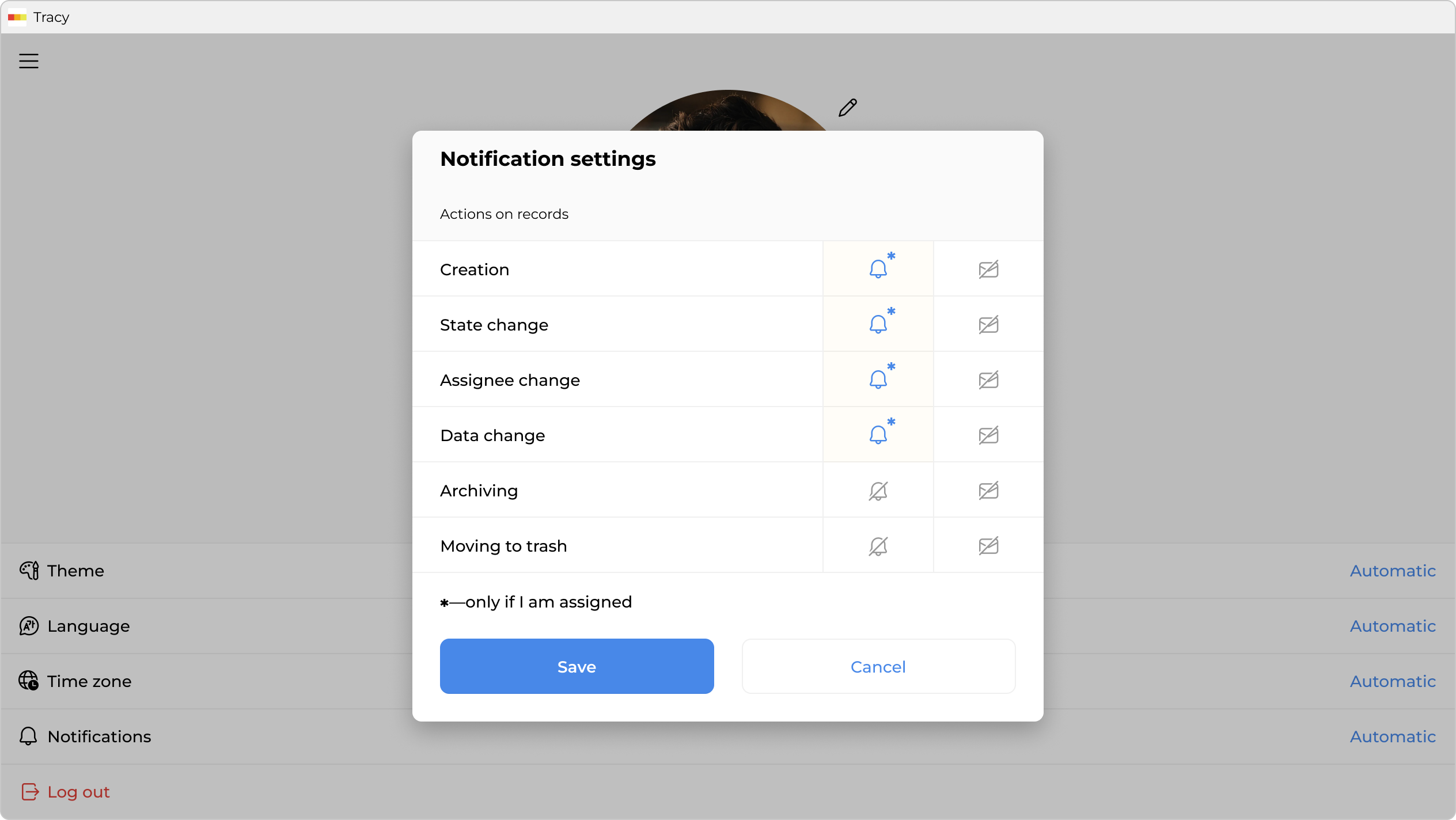
You can also specify which records to receive notifications for—all records you have access to, or only those where you are assigned.